Here’s a step-by-step guide on how to create a Hostel Management System Project in PHP with Free Source Code. This guide includes the general structure and main development steps.
Step-by-Step Guide: Hostel Management System in PHP
Step 1: Set Up Your Development Environment
- Install XAMPP or WAMP (includes Apache, MySQL, PHP).
- Start Apache & MySQL from XAMPP control panel.
- Create a new folder in
htdocs(e.g.,hostel_management).
Step 2: Create the Database
- Open
http://localhost/phpmyadmin. - Create a new database (e.g.,
hostel_db). - Create the following tables:
users(id, username, password, role)students(id, name, email, room_id, join_date)rooms(id, room_number, capacity, occupied)payments(id, student_id, amount, date)complaints(id, student_id, message, status)
Step 3: Project Folder Structure
pgsqlCopyEdithostel_management/
│
├── index.php
├── login.php
├── logout.php
├── dashboard.php
├── config/
│   └── db.php
├── includes/
│   ├── header.php
│   └── footer.php
├── admin/
│   ├── add_room.php
│   ├── manage_students.php
│   └── view_payments.php
├── student/
│   ├── my_room.php
│   ├── make_payment.php
│   └── file_complaint.php
└── css/
    └── style.css
Step 4: Connect to Database
Create config/db.php:
phpCopyEdit<?php
$host = "localhost";
$user = "root";
$pass = "";
$db = "hostel_db";

$conn = mysqli_connect($host, $user, $pass, $db);

if (!$conn) {
    die("Connection failed: " . mysqli_connect_error());
}
?>
Step 5: Create Login System
- Create
login.phpwith a form (username/password). - Validate credentials from
userstable. - Use PHP sessions to manage logins.
Step 6: Admin Dashboard
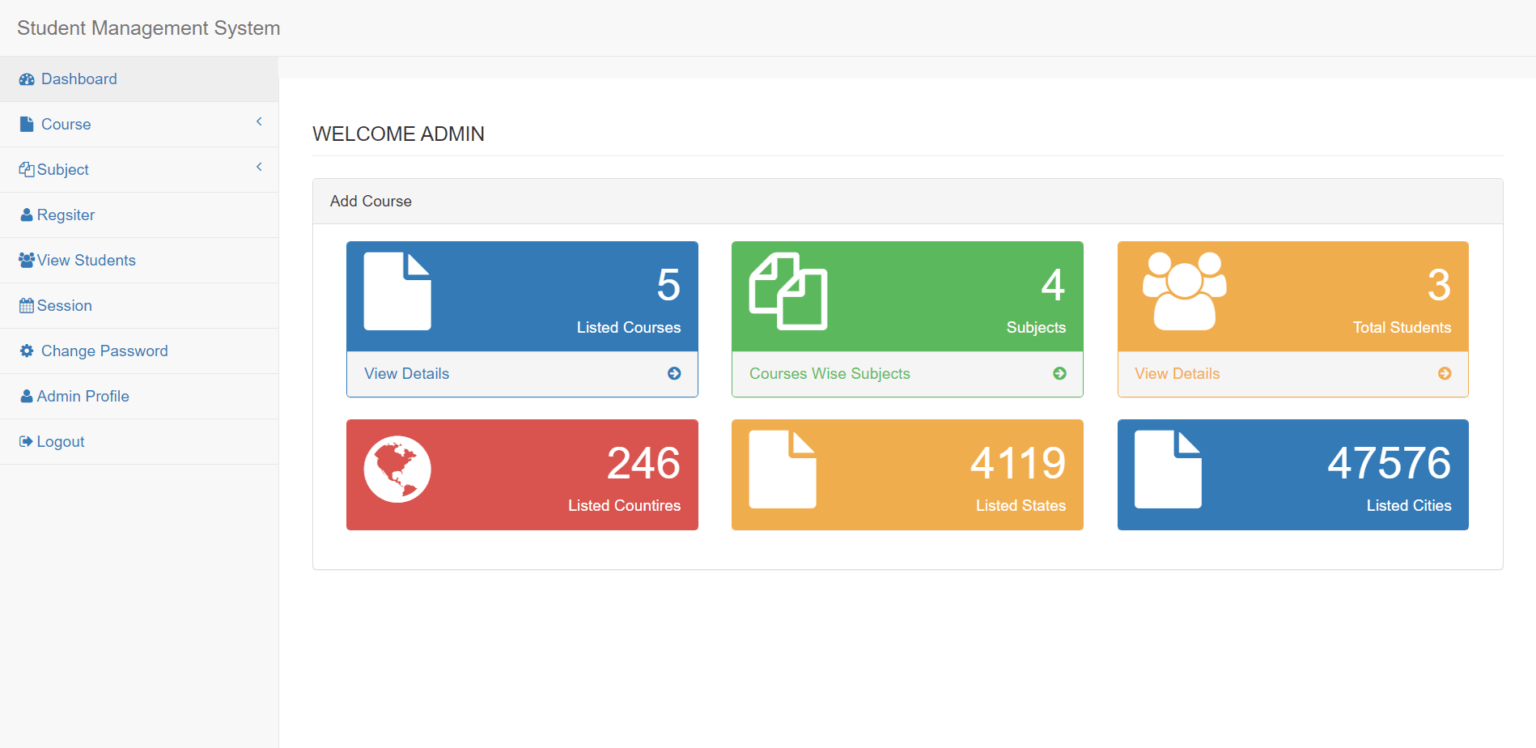
- Show room stats, student count, payment summary.
- Add/Remove rooms and students.
- View complaints and payments.
Step 7: Student Dashboard
- View assigned room.
- Make payments.
- File complaints.
Step 8: Add Forms & CRUD Functionality
- Add student form.
- Add room form.
- Update/Delete functionalities using
edit.php,delete.php.
Step 9: Styling and UI
- Create a simple
style.css. - Use Bootstrap or AdminLTE for better UI (optional).
Step 10: Test the System
- Test with sample users (admin/student).
- Check login, room allocation, payment, complaint flow.
Step 11: Export the Database and Project
- Export
hostel_dbfrom phpMyAdmin. - Zip the whole project folder.
- Share the
.sqland zipped folder.
2 Comments
Hospital Management System Project using PHP with source code - Dheeraj Hitech · July 8, 2025 at 7:13 pm
[…] Hostel Management System Project With Free Source Code using PHP […]
Lumise Product Designer for WooCommerce WordPress - Dheeraj Hitech · July 13, 2025 at 12:48 pm
[…] cart to work with any […]