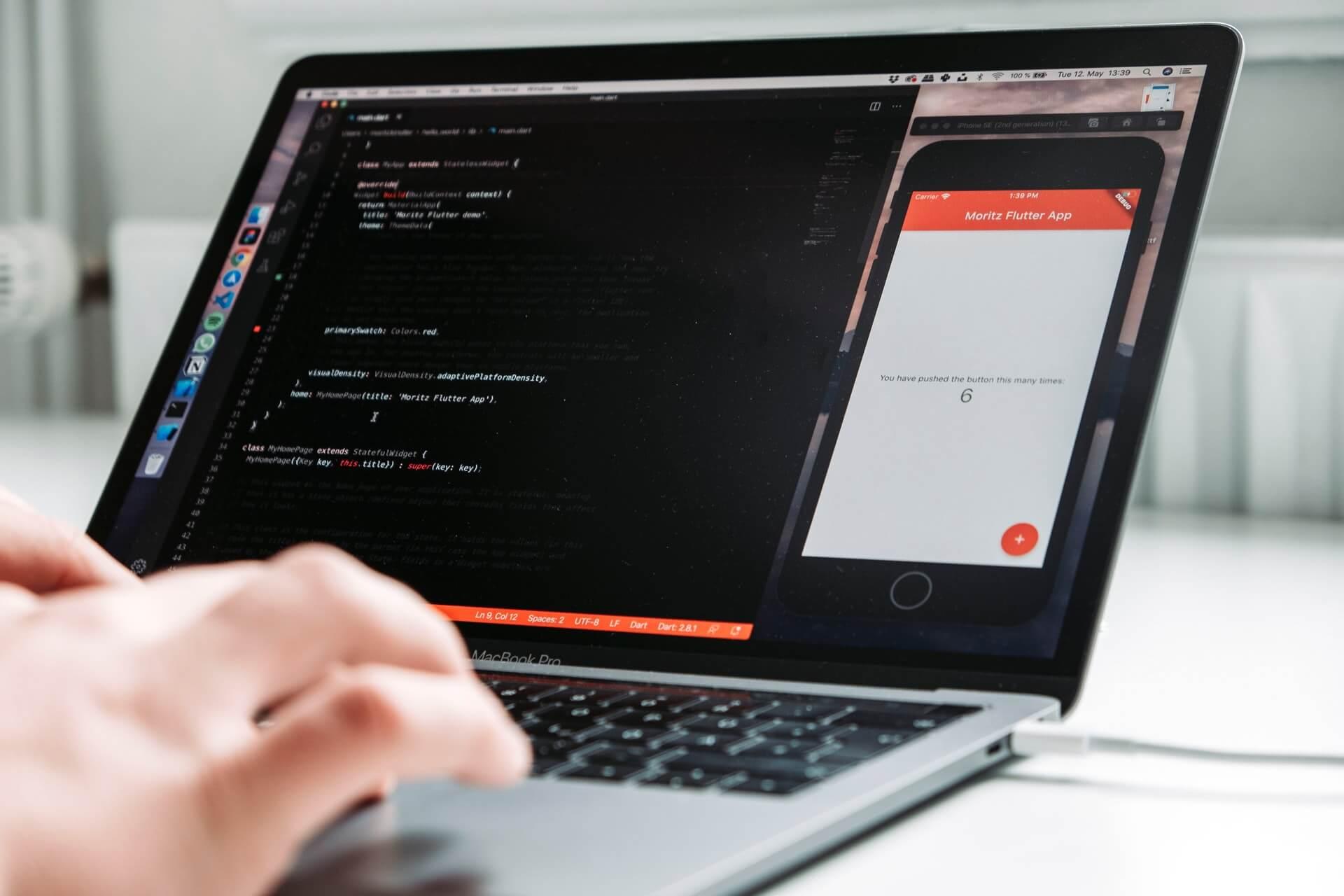
Flutter remains one of the most popular cross-platform development frameworks in 2026. Created by Google, Flutter allows developers to build beautiful mobile, web, desktop, and embedded applications using a single codebase.
Whether you're a student, beginner programmer, or experienced developer looking to switch careers, this guide will help you start your Flutter journey in 2026.
What is Flutter?
Flutter is an open-source UI framework that enables developers to create applications for:
- Android
- iOS
- Windows
- macOS
- Linux
- Web Platforms
Using a single codebase significantly reduces development time and maintenance costs.
Why Learn Flutter in 2026?
1. High Demand in the Job Market
Companies continue to adopt Flutter because it offers:
- Faster development
- Lower maintenance costs
- Native-like performance
- Beautiful user interfaces
2. Cross-Platform Development
Instead of learning multiple technologies, Flutter allows you to build apps for various platforms with one framework.
3. Strong Community Support
Flutter has a large global community providing:
- Tutorials
- Plugins
- Open-source projects
- Documentation
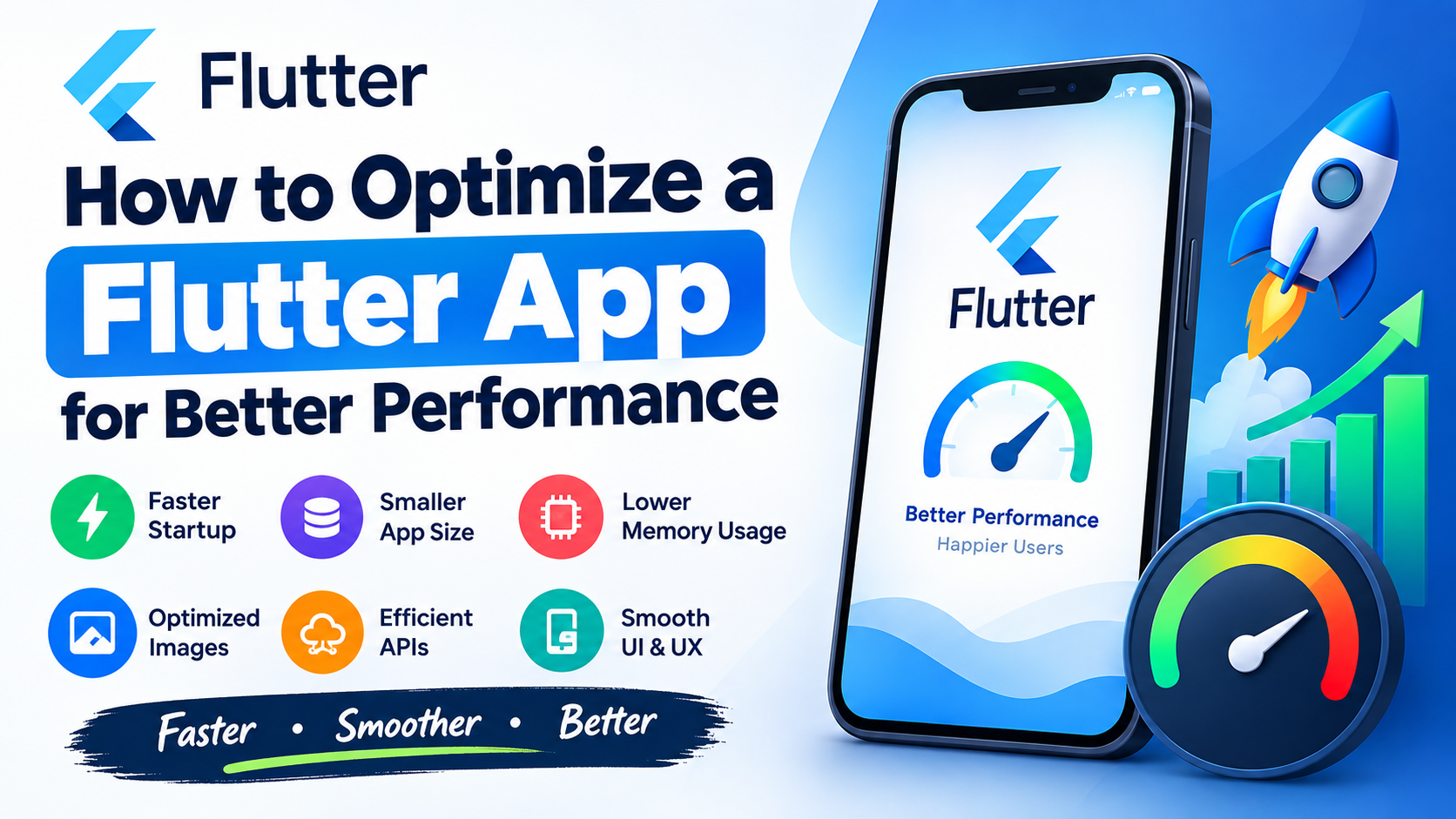
4. Excellent Performance
Flutter compiles directly to native machine code, resulting in smooth animations and fast application performance.
Prerequisites Before Learning Flutter
You don't need extensive programming experience, but having basic knowledge of:
- Programming concepts
- Variables
- Loops
- Functions
- Object-Oriented Programming
will help you learn faster.
Step 1: Install Flutter SDK
Windows Installation
- Download Flutter SDK.
- Extract the ZIP file.
- Add Flutter to the system PATH.
- Open Command Prompt.
- Run:
flutter doctor
This command checks your development environment and reports any missing dependencies.
Step 2: Install Android Studio
Download and install Android Studio.
Required components:
- Android SDK
- Android SDK Platform Tools
- Android Emulator
- Android SDK Command-line Tools
After installation, run:
flutter doctor
to verify setup.
Step 3: Install VS Code
Many Flutter developers prefer VS Code because it is lightweight and fast.
Install these extensions:
- Flutter Extension
- Dart Extension
- Error Lens
- GitLens
Step 4: Learn Dart Programming Language
Flutter uses Dart as its primary language.
Key topics to learn:
Variables
String name = "Dheeraj";
int age = 25;
Functions
void greet() {
  print("Hello Flutter");
}
Classes
class User {
  String name;

  User(this.name);
}
Async Programming
Future<void> fetchData() async {
  await Future.delayed(Duration(seconds: 2));
}
Step 5: Create Your First Flutter App
Run:
flutter create my_first_app
Navigate into the project:
cd my_first_app
Start the app:
flutter run
Congratulations! You have built your first Flutter application.
Understanding Flutter Project Structure
Important folders:
lib/
Contains all Dart source code.
android/
Android-specific files.
ios/
iOS-specific files.
assets/
Images, fonts, and other resources.
pubspec.yaml
Project configuration and dependency management.
Essential Flutter Widgets to Learn
Text Widget
Text("Hello Flutter")
Container Widget
Container(
  padding: EdgeInsets.all(16),
)
Column Widget
Column(
  children: [],
)
Row Widget
Row(
  children: [],
)
ListView Widget
ListView(
  children: [],
)
State Management in 2026
State management is one of the most important Flutter concepts.
Popular choices include:
Provider
Simple and beginner-friendly.
Riverpod
Modern and scalable.
Bloc
Ideal for enterprise applications.
GetX
Lightweight and easy to use.
For beginners, start with Provider or Riverpod.
Recommended Learning Roadmap
Month 1
- Learn Dart
- Flutter basics
- Widgets
- Navigation
Month 2
- APIs
- JSON parsing
- State management
- Local storage
Month 3
- Firebase integration
- Authentication
- Push notifications
- Cloud database
Month 4
- Clean Architecture
- SOLID Principles
- Dependency Injection
- Testing
Month 5
- CI/CD
- App optimization
- App publishing
Month 6
- Build portfolio projects
- Apply for internships and jobs
Best Flutter Projects for Beginners
Easy Projects
- Calculator App
- To-Do App
- Notes App
- QR Scanner
Intermediate Projects
- Expense Tracker
- Weather App
- News Application
- Quiz App
Advanced Projects
- E-Commerce App
- Food Delivery App
- Social Media App
- Video Streaming App
Flutter Architecture Recommendations
For professional applications:
Clean Architecture
Benefits:
- Easy maintenance
- Better testing
- Scalability
- Team collaboration
SOLID Principles
Following SOLID principles helps create cleaner and more maintainable code.
Publish Your Flutter Apps
You can publish Flutter applications on:
- Google Play Store
- Apple App Store
- Web Hosting Platforms
- Windows Store
Publishing projects helps build your portfolio and attract employers.
Career Opportunities in 2026
Flutter developers can work as:
- Flutter Developer
- Mobile App Developer
- Full Stack Developer
- Freelance App Developer
- Startup Founder
Many companies now prefer Flutter because it reduces development costs while maintaining high-quality user experiences.
Final Thoughts
Flutter continues to be one of the best frameworks for app development in 2026. With a single codebase, strong community support, excellent performance, and growing industry adoption, Flutter offers tremendous opportunities for developers.
Start with Dart fundamentals, build small projects, gradually learn advanced concepts like state management and clean architecture, and create a portfolio that showcases your skills. Consistent practice and real-world projects are the fastest way to become a successful Flutter developer.
If you're starting your programming journey in 2026, Flutter is one of the smartest technologies you can learn today.