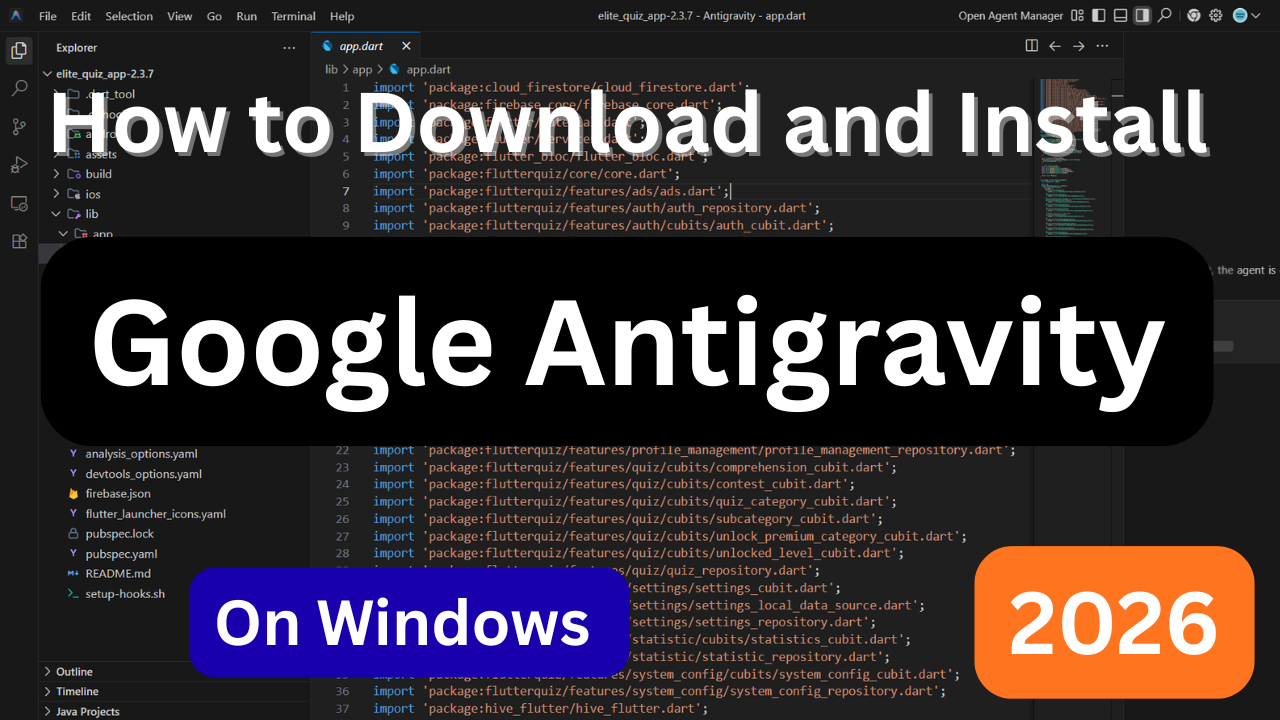
How to Download and Install Google Antigravity IDE (Latest Version)
Google Antigravity is Google's AI-powered, agent-first Integrated Development Environment (IDE) designed to help developers write, test, debug, and manage code using advanced AI agents powered primarily by Gemini 3 Pro. It is currently available as a public preview for Windows, macOS, and Linux.
📥 1. Download the Latest Version
Visit the official Google Antigravity download page to get the latest version for your operating system.
Download the official public preview release to ensure you receive the latest features, security updates, and bug fixes.
Note: Antigravity is currently available as a free public preview.
🪟 2. Installation Steps
Windows
- Download the Windows installer (.exe).
- Double-click the installer.
- Accept the license agreement.
- Choose the installation folder.
- Click Install.
- Wait for the installation to finish.
- Click Finish to launch Google Antigravity.
🍎 macOS
- Download the macOS installer (.dmg).
- Open the downloaded DMG file.
- Drag Google Antigravity into the Applications folder.
- Open the application from Launchpad or Applications.
- If prompted, allow the app in Privacy & Security settings.
- Sign in with your Google account.
🐧 Linux
Google Antigravity supports several popular Linux distributions.
Option A – Official Installer
- Download the official Linux package from the Antigravity website.
- Install the package using your distribution's package manager.
- Launch Antigravity from your applications menu.
- Sign in with your Google account.
Option B – Community Packages
Some community repositories and mirrors provide current .deb packages (for example, version 1.11.17, released around December 2025). Always verify the authenticity of community packages before installing.
🔑 3. First Run & Setup
After installation:
- Launch Google Antigravity.
- Sign in using your Google account.
- Grant the requested permissions.
- Configure your preferred development environment.
- Select your preferred AI model (such as Gemini 3 Pro).
- Import an existing project or create a new one.
- Install any recommended extensions or plugins.
- Start coding with AI-powered assistance.
⚠️ Common Tips & Troubleshooting
If you encounter issues during installation or setup:
- Download only from the official website.
- Ensure your operating system is up to date.
- Verify you have an active internet connection.
- Sign in with a supported Google account.
- Restart the application after installation.
- Check for available updates if you experience unexpected behavior.
- Disable conflicting antivirus software temporarily if installation fails.
- Ensure you have sufficient disk space.
🚀 Features of Google Antigravity
Google Antigravity offers several powerful AI-assisted development features, including:
- AI-powered code generation
- Intelligent code completion
- Automated debugging
- Project-wide code understanding
- AI-assisted testing
- Terminal automation
- Browser automation
- Multi-file editing
- Git integration
- Natural language coding
- Context-aware suggestions
- Fast project navigation
💻 Supported Operating Systems
Google Antigravity currently supports:
- Windows
- macOS
- Linux
🤖 What is Google Antigravity?
Despite its name, Google Antigravity is not anti-gravity physics software. It is an AI-driven Integrated Development Environment (IDE) where autonomous AI agents can plan, write, edit, test, and improve code by interacting directly with your editor, terminal, browser, and development tools.
Powered primarily by Gemini 3 Pro, Antigravity helps developers automate repetitive coding tasks, improve productivity, and build software more efficiently.
Final Thoughts
Google Antigravity represents the next generation of AI-powered software development tools. Whether you're a beginner or an experienced developer, its intelligent coding assistance, automated workflows, and deep integration with modern development environments can significantly speed up your workflow. As the public preview evolves, expect even more powerful features and broader platform support.
Happy coding with Google Antigravity!